
May 21, 2026

EPS Families:
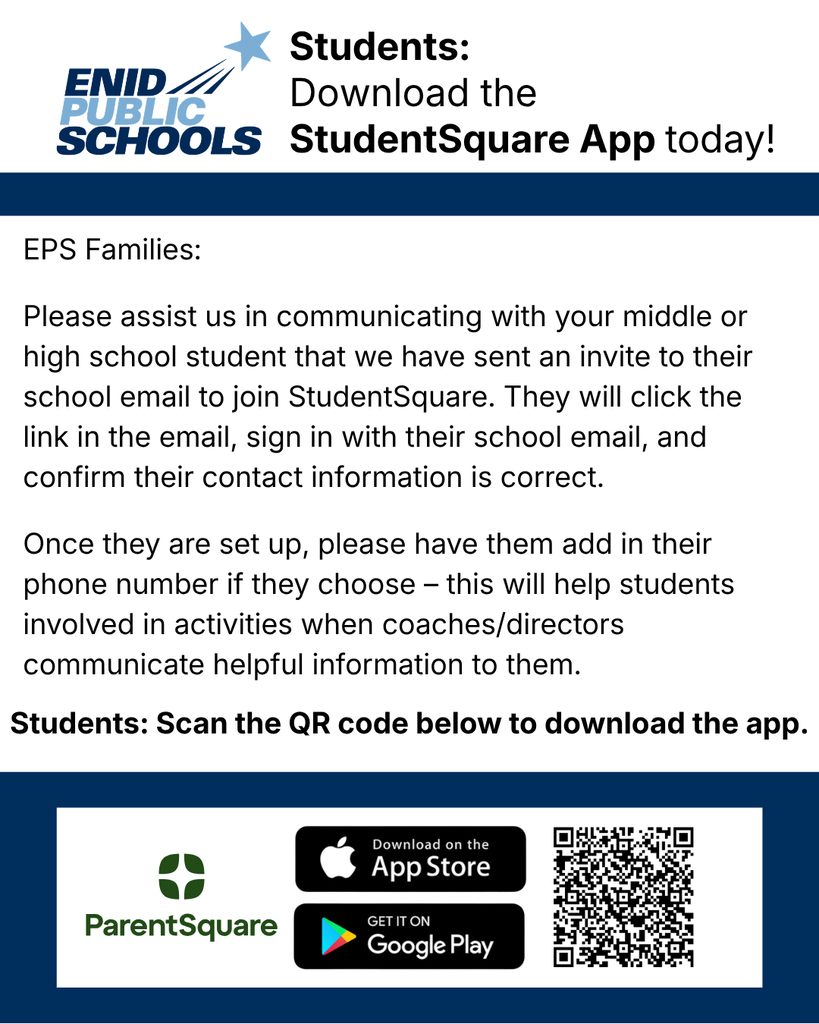
Please assist us in communicating with your student that we have sent an invite to their school email to join StudentSquare. They will click the link in the email, sign in with their school email, and confirm their contact information is correct.
App information can be found by going to https://parentsquare.zendesk.com/hc/en-us/articles/360036065571-Download-the-StudentSquare-Mobile-App
Once they are set up, please have them add in their phone number if they choose – this will help students involved in activities when coaches/directors communicate helpful information to them. If your student is involved in any summer activities it is important for them to complete this process as soon as possible.
This is replacing Remind as our form of communication with students and families.
Here is a video walking students through StudentSquare: https://vimeo.com/294839812
Thank you for your assistance, please call EPS at 580-366-7070 if you have any questions.
Please assist us in communicating with your student that we have sent an invite to their school email to join StudentSquare. They will click the link in the email, sign in with their school email, and confirm their contact information is correct.
App information can be found by going to https://parentsquare.zendesk.com/hc/en-us/articles/360036065571-Download-the-StudentSquare-Mobile-App
Once they are set up, please have them add in their phone number if they choose – this will help students involved in activities when coaches/directors communicate helpful information to them. If your student is involved in any summer activities it is important for them to complete this process as soon as possible.
This is replacing Remind as our form of communication with students and families.
Here is a video walking students through StudentSquare: https://vimeo.com/294839812
Thank you for your assistance, please call EPS at 580-366-7070 if you have any questions.